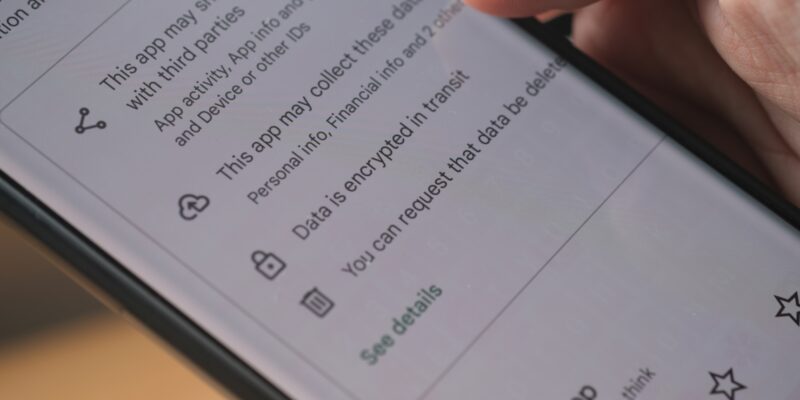

A popular Android real estate app with over half a million downloads left sensitive user data like names, passwords, and phone numbers unprotected on a server.
Cybernews said its research team found an unprotected, public-facing MongoDB server belonging to MyEstatePoint Property Search on Nov. 6, 2023.
“This comprehensive dataset poses severe risks as threat actors could exploit the exposed information for unauthorized access, identity theft, fraudulent activities, and potentially compromise the privacy and security of the affected individuals,” the researchers said.
While the breach has since been patched, the app’s developer — NJ Technologies — didn’t respond to the researchers’ request for comments. And it’s unclear if the affected users have been informed that they may be at risk.
Exposed Data Includes Names and Passwords
MyEstatePoint Property Search app is a key player in India’s real estate mobile application market. My Estate Point’s website claims it’s the “fastest growing online real estate platform in India.”
According to the Cybernews research team, the exposed database includes information on over 497,000 users, including their first and last names, passwords, email addresses, phone numbers, locations, and occupations.
Cybercriminals can exploit specific or combined bits of this data to conduct identity theft, phishing attacks, financial fraud, and other scams. Furthermore, the exposed logins to the app pose a risk of unauthorized account access, especially if users reuse the same password on other user accounts.
It’s not uncommon for security researchers to find unprotected databases belonging to organizations. In March 2022, VPNOverview discovered an unprotected database belonging to cosmetics giant Sephora. The exposed dataset included the personal data of over 490,000 customers, ranging from names and email addresses to phone numbers.
How to Protect Your Privacy
If you are using this app, we suggest you change your password immediately: use a complex, highly secure password. If you use the same password on other accounts, change them too. Also, learn how to spot phishing messages as threat actors will likely use leaked personal data for social engineering attacks. Consider using a dark web monitoring service to check if your data has surfaced on underground marketplaces and forums.
If you’re considering deleting the app, go to “Settings” on your phone and select “Apps” or “Application Manager.” Then, find MyEstatePoint Property Search on the list and choose “Uninstall.”
For more news, follow us on X (Twitter), Threads, and Mastodon!



