
- How to cancel your Proton VPN subscription via website
- How to cancel your Proton VPN subscription on iOS (Apple Store)
- How to cancel your Proton VPN subscription on Android (Google Play Store)
- The best alternatives to Proton VPN
- Terms and conditions for getting a refund from Proton VPN
- Factors to consider before you cancel your Proton VPN subscription
- Canceling your Proton VPN subscription: the bottomline
If you’ve purchased a Proton VPN subscription and you’re not satisfied with the service, you can request a refund. However, refunds are only available within 30 days of your purchase and are generally prorated – though in some cases, Proton may approve a full refund.
Here’s how to cancel your Proton VPN subscription and request a refund:
- Go to the Proton VPN website and log in.
- Click on “Subscriptions” and scroll to the bottom of the page.
- Under the “Cancel subscription” section, click on “Continue” to cancel your subscription.
- Send an email to [email protected], contact them via live chat, or fill out the support form asking for a refund.
In my experience, you should get your refund within three to five business days, depending on your payment method.
After canceling Proton VPN, I recommend subscribing to NordVPN, which won’t give you a reason to cancel. It’s a well-rounded VPN with fast speeds, strong unblocking ability, reliable security, and industry-leading privacy tools. NordVPN also offers a 30-day money-back guarantee, so you can try it risk-free.

Read on to learn how to get your refund from Proton VPN’s website, Google Play Store, and Apple Store.
I recently canceled my Proton VPN subscription and requested a refund – here’s exactly how it worked. Don’t get me wrong, Proton VPN is still one of the top VPNs out there: it’s secure, open-source, and backed by a solid reputation. However, after testing it for a few weeks, I realized that it just wasn’t the right fit for me. The long-term plans felt a bit pricey for what I needed, and I had some trouble getting fast answers from support.
Luckily, Proton VPN offers a 30-day money-back guarantee, and getting a refund was easier than I expected. That said, in this guide, I’ll walk you through how to cancel your Proton VPN plan on different operating systems, how the refund process works, and we’ll check out the best Proton VPN alternatives you can opt for instead if you still wish to safeguard your online privacy.
Personally, I switched to NordVPN as my Proton VPN alternative: it’s faster, more consistent, and one of the most secure VPNs I’ve tested. Plus, it comes with a 30-day money-back guarantee of its own.
How to cancel your Proton VPN subscription via website
If you want to take advantage of the Proton VPN money-back guarantee and cancel your subscription within 30 days of purchasing the provider, follow the steps below to get a Proton VPN refund through its website. This is how to go about it:
- Go to the Proton VPN website and log into your Proton VPN account.

- Click on “Subscriptions” and scroll to the bottom of the page, where you’ll see the “Cancel subscription” section.

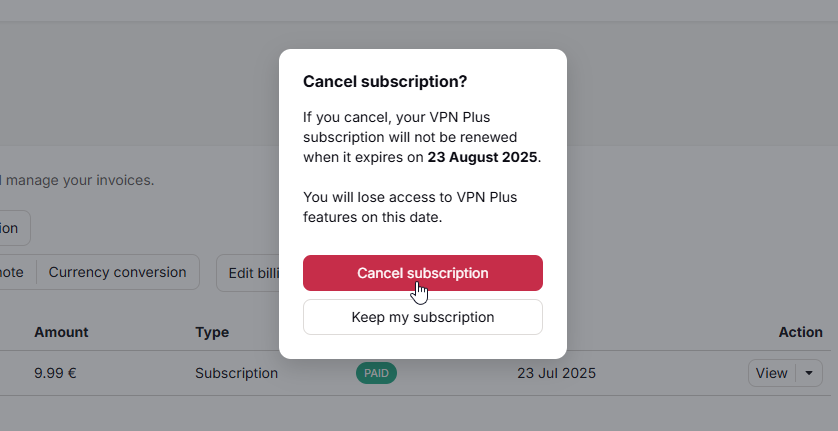
- Under the “Cancel subscription” section, click on “Continue.” You’ll then see a pop-up message asking you to confirm if you want to cancel your auto-renewal.
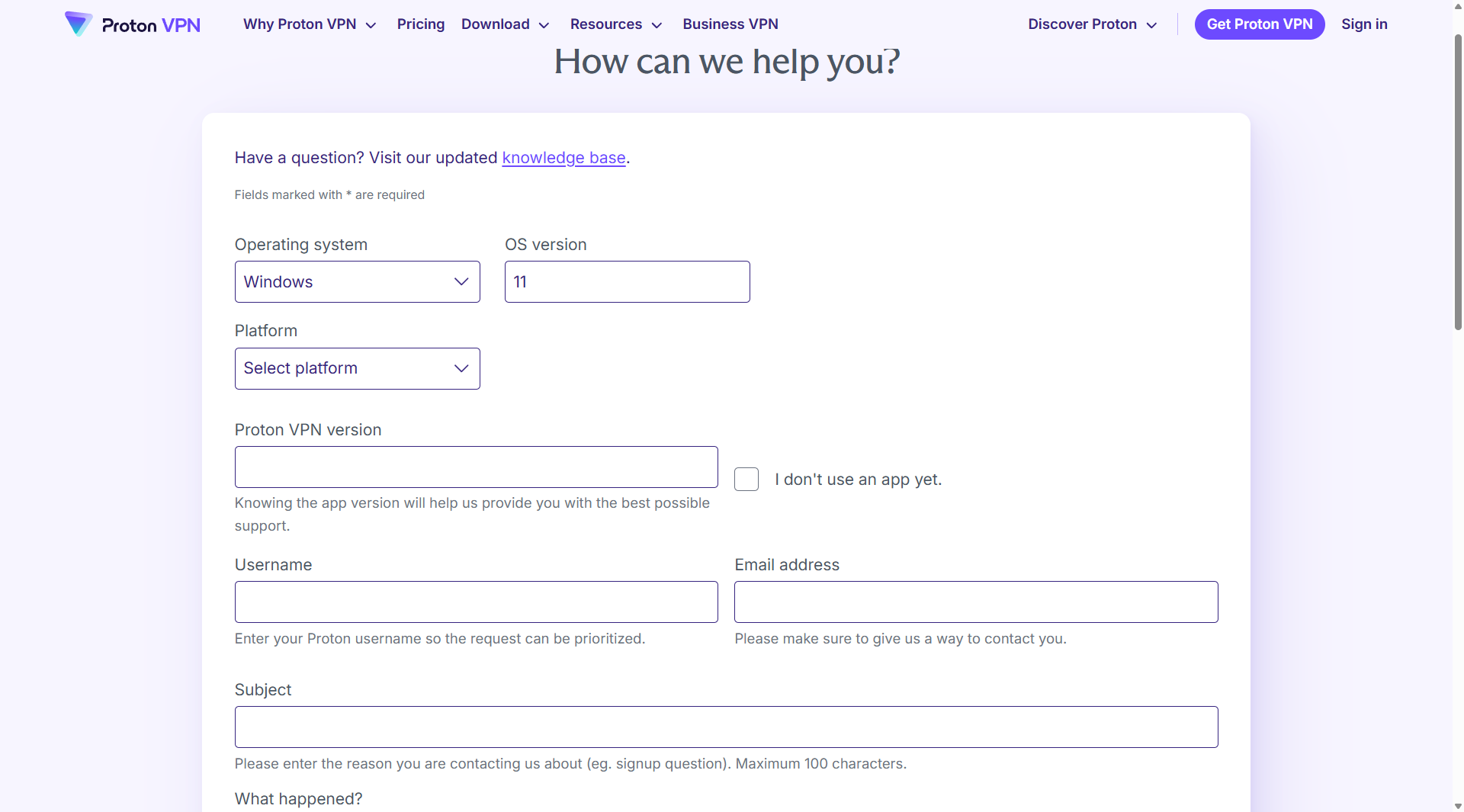
- Contact Proton VPN’s customer support team for your refund. You can send a message to the VPN provider at [email protected]. Alternatively, you can fill out the support form at the help center of the Proton VPN website or contact them directly via live chat. You should then get a response with details about your refund.
Note that your account might be tied to other Proton VPN services such as Proton Mail, Proton Drive, and Proton Calendar. Double-check if canceling your account doesn’t affect these other services.
How to cancel your Proton VPN subscription on iOS (Apple Store)
If you subscribed to Proton VPN through the Apple Store, keep in mind that Apple, not Proton VPN, handles your payment and refund. So while refunds aren’t guaranteed, Apple often approves them if you apply quickly and provide a clear reason.
Follow these steps to get a Proton VPN refund from the Apple Store:
- Go to “Settings” on your iPhone or iPad.
- Click on your Apple ID profile icon.
- Choose “Subscriptions.”
- Select “Proton VPN” and click on “Cancel Subscription.”
- After canceling your subscription, visit reportaproblem.apple.com.
- Enter your Apple username and password.
- Tap “I’d like to…” then select “Request a Refund.”
- Choose your reason for requesting a refund and click “Next.”
- Select “Proton VPN” from the list and click “Submit.”
It might take from 48 hours to 60 days to receive a refund. You can check the status of your refund request by logging into reportaproblem.apple.com with your Apple ID and clicking on “Check Status of Claims.”
Keep in mind that you can also use a free VPN for iPhone if you don’t want a paid service provider but are still worried about your online privacy.
How to cancel your Proton VPN subscription on Android (Google Play Store)
If you purchase Proton VPN via the Google Play Store, your refund request has to go through Google. From my experience, while refunds aren’t guaranteed, they’re usually approved within the first 48 hours. Afterwards, Google might still approve a refund, but that becomes a manual support case.
Here are the steps to follow if you want to cancel Proton VPN through the Google Play Store:
- Open the Google Play Store and log into your Google account.
- Click on the profile icon. It should be on the top-right corner of your screen.
- Go to the “Payments & Subscriptions” section and click “Subscriptions”.
- Select “Proton VPN,” tap “Manage,” and then choose “Cancel Subscription.”
- After canceling, return to the profile icon and click on “Payments & Subscriptions” once again.
- Head to the “Budget & History” tab.
- Select “Proton VPN” and click on “Request a Refund.” Choose a reason and submit.
You should get a response within one business day. However, sometimes, it might take up to five business days to process your refund.
The best alternatives to Proton VPN
If you’re canceling your Proton VPN subscription, you’ll still want a reliable VPN to keep you safe online and unblock content securely. Fortunately, there are a few premium VPN alternatives that are faster, more secure, and cheaper than Proton VPN. Below, I’ll break down the best Proton VPN alternatives, starting with my top pick and the best all-around VPN I’ve tested: NordVPN.
Top 1. NordVPN: the fastest, most secure, and most reliable VPN provider
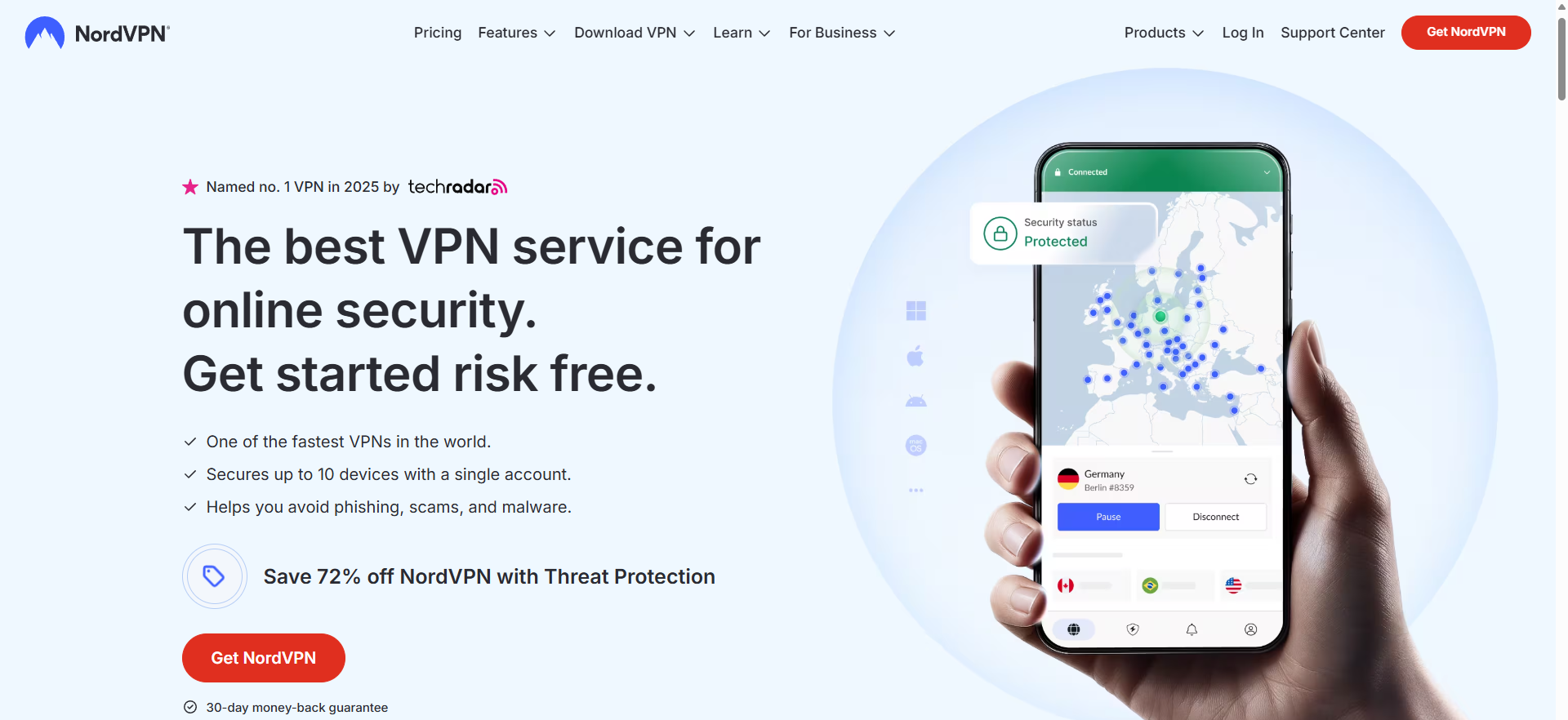
If you’re canceling Proton VPN, NordVPN should be your next choice. It’s the overall best VPN service, ideal for many use cases, from streaming to torrenting. In my tests, I’ve found NordVPN to be a fast and reliable VPN service. For instance, with NordVPN, I’ve always been able to unblock streaming services without any issues.
On top of that, NordVPN costs less than Proton VPN, while still offering secure servers and excellent privacy features. Plus, you can easily cancel your NordVPN subscription and get a refund.
Why I chose NordVPN:
- Easily change your IP address with its 8900 servers in 149+ countries.
- Stream HD or 4K movies lag-free.
- Unblock Netflix and other streaming providers like Amazon Prime Video, Disney Plus, and Hulu.
- Enjoy safe and fast torrenting with its dedicated torrenting servers.
- Browse privately thanks to its strict no-logs policy and RAM-only servers.
- Get help quickly by using its 24/7 live chat option.
You can try NordVPN risk-free thanks to its 30-day money-back guarantee. This will give you the opportunity to test all of its features and see if it is suited to your needs. NordVPN also offers some great discounts for new subscribers.
Explore this excellent VPN service in our NordVPN review.
Top 2. Surfshark: the most affordable alternative to Proton VPN
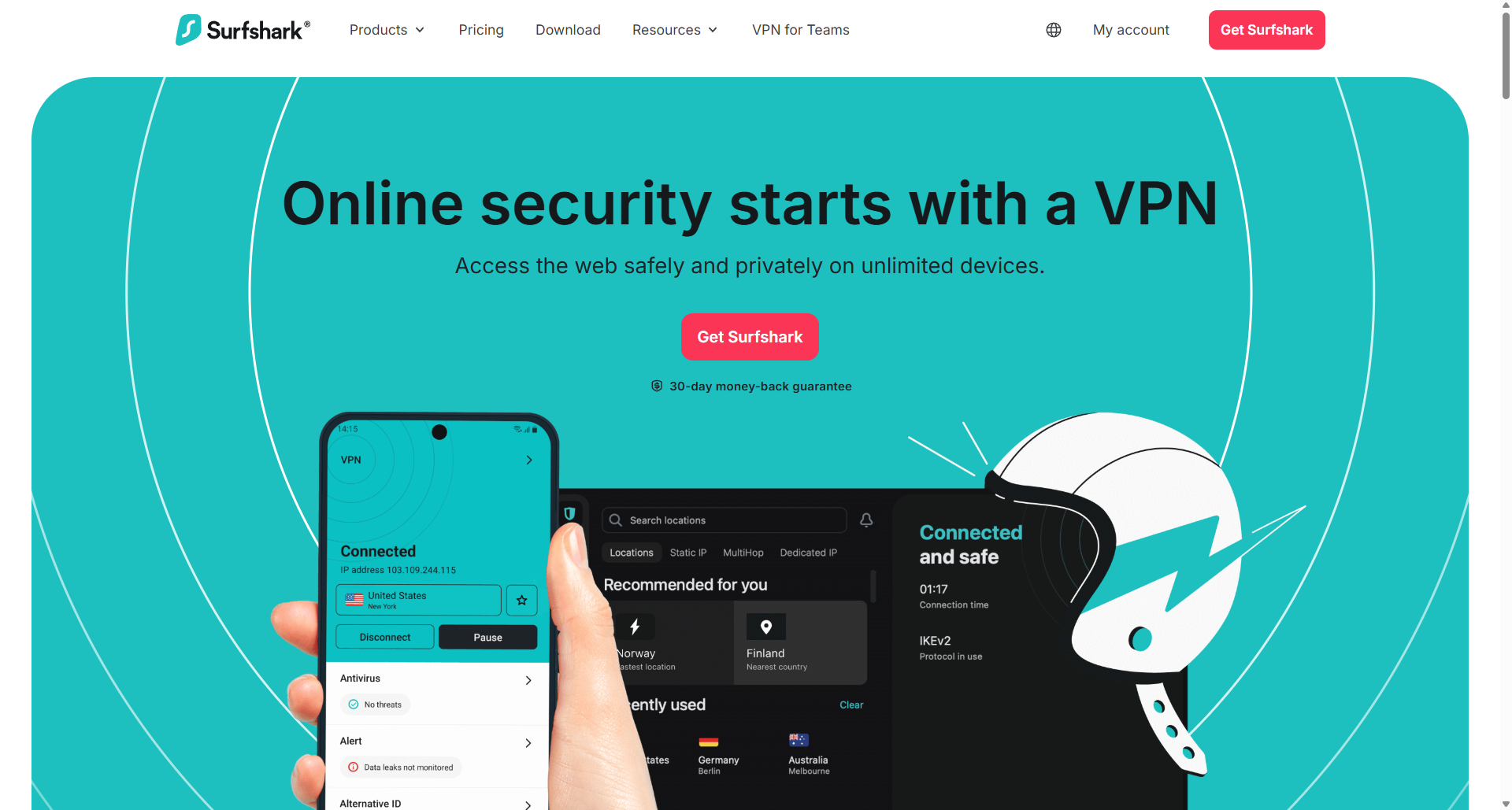
If NordVPN feels a bit pricey for your budget, I recommend giving Surfshark a shot. It’s one of the most affordable VPNs out there, with yearly and two-year plans that cost just a few dollars per month. Even at that price point, Surfshark still packs in all the essential features.
Why I chose Surfshark:
- Enjoy a wide selection of IP addresses from 4500 servers in 100+ countries.
- Connect as many devices as you want with its unlimited simultaneous connections.
- Works with Netflix, Disney+, Hulu, and other major platforms.
- Save money on your VPN purchase when you subscribe to its long-term plans.
Surfshark also offers a 30-day money-back guarantee, so you can test it risk-free and get a full refund if it’s not for you.
If you want to learn more about what Surfshark has to offer, check out our comprehensive Surfshark review.
Top 3. IPVanish: a great Proton VPN alternative for torrenting and multi-device privacy
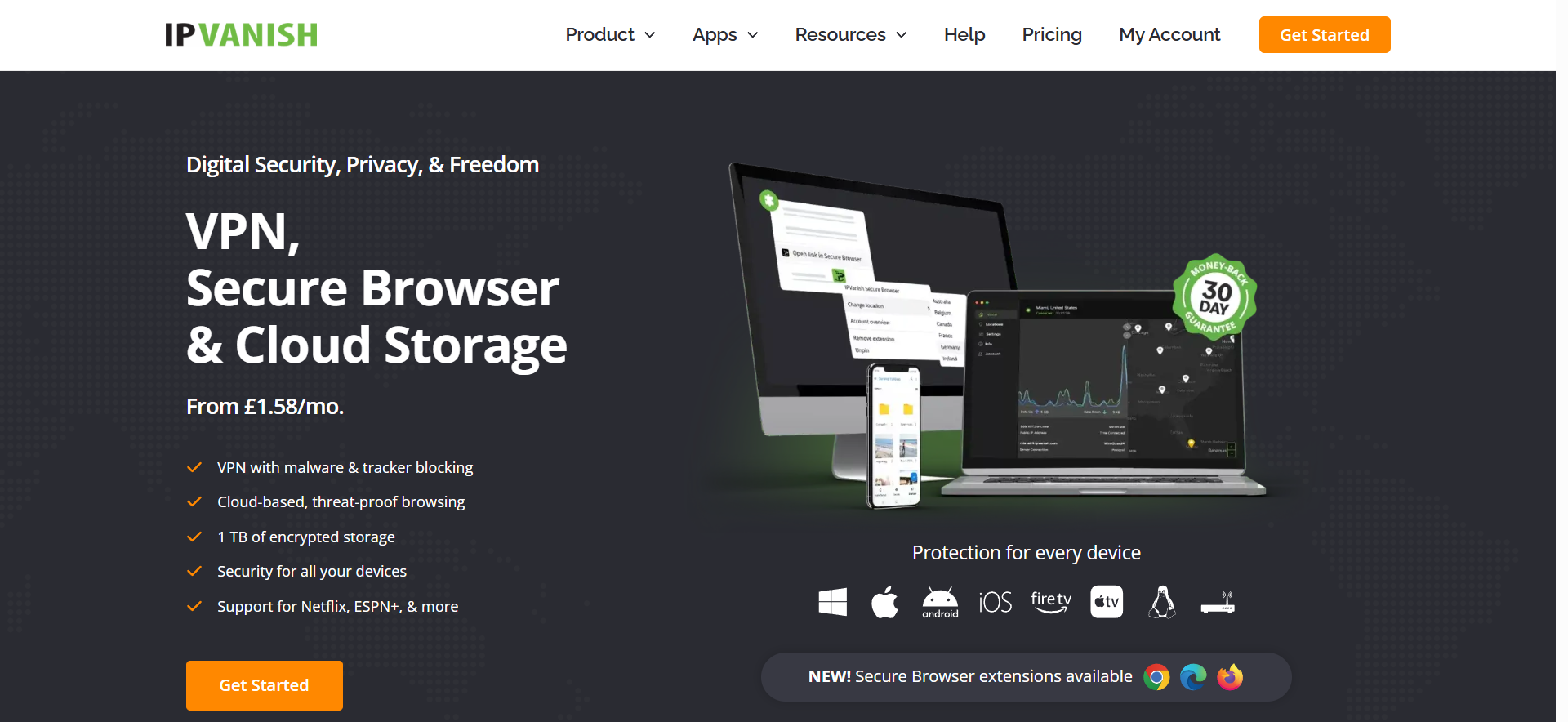
IPVanish is another great Proton VPN alternative, especially for those looking for a mix of speed, privacy, and flexibility across multiple operating systems. When testing IPVanish, I found its apps super easy to set up, and its unlimited device connection support is perfect for sharing with family or multi-device usage.
While IPVanish isn’t the most consistent option for unblocking every global streaming service, it’s a great option for torrenting and private, day-to-day use. Plus, if you’re not satisfied with it, you can cancel within 30 days and get a full refund.
Why I chose CyberGhost:
- Choose from 3400+ servers in 113+ countries.
- Solid speeds and P2P support on every server for torrenting.
- Enjoy unlimited simultaneous connections on a single account.
- No-logs policy and fully self-owned infrastructure.
You can test IPVanish out using its 30-day money-back guarantee, completely risk-free.
Want to take a closer look at IPVanish? You can read all about its wide range of features in our IPVanish review.
Terms and conditions for getting a refund from Proton VPN
Now that you know how to cancel your Proton VPN subscription, here’s what you need to know about getting a refund from Proton:
- Proton VPN might not offer you a full refund. In most cases, you’ll receive a prorated amount, which is based on the unused portion of your subscription.
- You’re not eligible for a refund if you pay by cash or bank transfer. Proton VPN’s money-back guarantee is only available if you purchased a subscription by credit card, debit card, PayPal, or anonymously with Bitcoin.
- To qualify for a refund, you must cancel your subscription and contact customer service within 30 days. The countdown starts from the date you originally purchased Proton VPN.
- Refunds are only available for users who subscribed to Proton VPN directly through its website or apps. If you have purchased Proton VPN through a third party, like Apple App Store or Google Play, you’ll need to request a refund from them directly.
- Refunds are issued using the original payment method and currency. However, if you want the money converted to another currency, Proton VPN will choose the exchange rate.
Factors to consider before you cancel your Proton VPN subscription
Before you decide to cancel your Proton VPN subscription, think about the following:
- Why you’re canceling: Don’t cancel your subscription on impulse – Proton VPN’s refund policy only applies once. So, if you’re not satisfied with the service and plan to switch, go ahead. But if you’re experiencing some technical issues, consider reaching out to support first. Also, remember that you can also cancel your auto-renewal without asking for a refund.
- The terms and conditions of Proton VPN’s refund: Proton VPN might not give you a full refund. Instead, you’ll get paid for the number of days you’ve not used the service. If you want the best shot at a full refund, cancel as early as possible, ideally within the first week.
- Removing any auto-renewal: Double-check your account to make sure that there’s no active recurring subscription on your account.
- A Proton VPN alternative: Before you cancel your Proton VPN subscription, have a replacement in mind. NordVPN is a great alternative, offering the top-tier features and performance to browse safely and privately online.
Canceling your Proton VPN subscription: the bottomline
Canceling your Proton VPN is straightforward, and as long as you act within the first 30 days of purchasing a subscription, you’re eligible for a refund. That said, whether you receive a full or partial refund depends on how early you cancel.
Once you’re done, I recommend switching to NordVPN, my go-to Proton VPN alternative. It’s more consistent, easier to use, and also includes its own 30-day money-back guarantee to help you test it with zero risk.
You’ll find the most commonly asked questions about getting a refund on your Proton VPN purchase below. Click on a question to reveal the answer. If you have any other questions, leave a comment and I’ll provide an answer.
Yes, you can cancel your Proton VPN subscription at any time through your account settings. If you purchased directly from Proton, first log into your account on the Proton VPN website. Then, go to the “Subscriptions” tab and click “Cancel subscription.” Finally, contact support to request a refund if you’re within the 30-day money-back guarantee window.
Yes, Proton VPN offers a 30-day money-back guarantee on all direct purchases. To qualify, you must first cancel your auto-renewal and contact support within 30 days of your original purchase date. Refunds are typically partial, but a full refund may be issued depending on usage.
To turn off auto-renewal on Proton VPN, log into your account on the Proton VPN website. Then, go to the “Subscriptions” section, scroll down, and click “Cancel subscription.” This will stop automatic billing at the end of your current plan.


