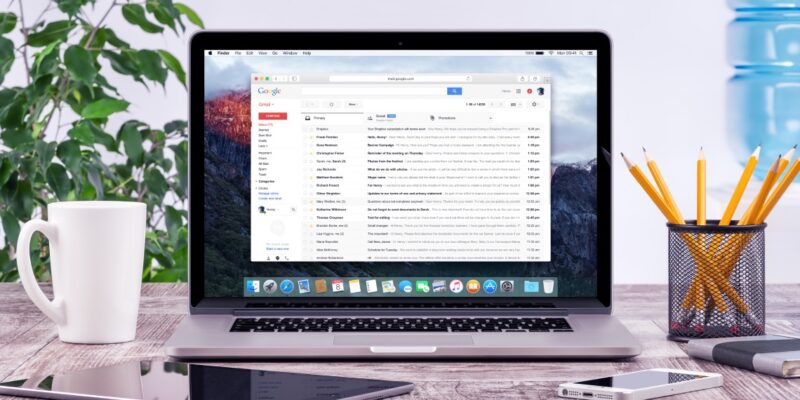

Google will start deleting inactive Gmail accounts on Dec. 1 to reduce risks linked to dormant accounts.
According to Google, only inactive personal Gmail accounts will be deleted. Google defines inactive accounts as those that haven’t been used in up to two years.
In an update to its policies in May, Google said inactive Gmail accounts are a security risk as they often have old or re-used passwords that may be compromised. They are also 10 times less likely to have two-step verification (2FA) enabled.
“Meaning, these accounts are often vulnerable, and once an account is compromised, it can be used for anything from identity theft to a vector for unwanted or even malicious content, like spam,” Google explained.
To stop Google from deleting your old Gmail account, simply sign in and use any of Google’s products. You can send or read an email, use Google Drive, watch a YouTube video, or do a Google search.
What Data Will Google Delete?
Google will also delete the content of inactive Gmail accounts, including emails, documents in Google Docs and Drive, calendar events, and photos.
“We will take a phased approach, starting with accounts that were created and never used again,” Google explained.
This “policy doesn’t apply to any Google Account that was set up for you through your work, school, or other organization,” Google noted. Gmail accounts linked to Google Play purchases, accounts used to publish YouTube videos, and those with an active subscription or gift card balance are also exempt.
Google will send multiple notifications before any account is deleted. These notifications will be sent to the email address in question and the recovery email (if any) linked to that account, Google said.
Protecting Your Google Accounts
Google provides various tools for users to manage Gmail accounts they’re not using anymore. Google’s Takeout feature allows you to export your account data. You can also set up Google’s Inactive Account Manager to notify a trusted contact if you’re inactive for a long time.
As Google’s deadline approaches, we encourage you to review your Gmail account and take the necessary steps to ensure your data is safe. Besides deciding whether to keep your Gmail account, review your privacy settings. Read our guide to optimizing your Google privacy settings to learn how to use Google products safely.
For more news, follow us on X (Twitter), Threads, and Mastodon!



