- How to access Grok free video generator from anywhere with a VPN?
- Why Grok AI video generator unavailable to use for free outside the US?
- How to access Grok AI free features with a VPN: a detailed guide
- Best VPNs to access Grok AI free features from outside the US
- Real test results: accessing Grok AI’s free video generator from abroad
- Final thoughts: try Grok AI free video generator from anywhere
- FAQ
Grok AI tool has temporarily unlocked its premium video generator feature for all users in the United States. Normally available only to paying SuperGrok subscribers, this AI tool lets you create short videos directly from your prompts or images. The catch? If you’re in Canada, the UK, the EU, Australia, or anywhere else outside the US, the feature won’t appear unless you’re virtually in the country.
Fortunately, you don’t have to miss out. With a VPN, you can connect to a US server, make Grok AI think you’re browsing from the United States, and start using the free video generator from anywhere in the world.
Note
Please note, that the free Grok AI video generator promo started 7 August and lasted for a few days only. You can still use a VPN to access Grok AI from the countries where it is blocked.
How to access Grok free video generator from anywhere with a VPN?
- Subscribe to a reliable Grok VPN. I recommend NordVPN, now 78% off, as it has servers in many US states.
- Download the VPN app and install it to your prefered device.
- Open the VPN and connect to the US server, like Los Angeles.
- Go to Grok AI app and access its video generator for free from anywhere!

Why Grok AI video generator unavailable to use for free outside the US?
Although Grok AI is available worldwide, the Grok free video generator promotion is restricted to users located in the United States. This limitation is based on your IP address — if Grok detects you’re outside the US, it will keep the feature locked behind the paid SuperGrok tier.
The simplest way to bypass this restriction is with a VPN, like NordVPN. A VPN changes your online location, giving you a US IP address and encrypting your traffic so you can unlock the free video generator no matter where you are.
How to access Grok AI free features with a VPN: a detailed guide
If you are outside the United States, you will not see the Grok AI free video generator in your account during this limited-time promotion. Normally part of the paid SuperGrok tier, the feature is only unlocked for US users. By using a VPN with fast US servers, you can change your IP address, bypass Grok AI regional restrictions, and access the video generator from abroad. Below is a step-by-step guide on how to set up a VPN and start using Grok AI free video generator from anywhere.
Step 1. Select a reliable VPN service
Choose a VPN known for fast US servers, strong privacy, and consistent geo-unblocking. NordVPN is my recommendation for this use case thanks to its no-logs audits, large US footprint, and NordLynx protocol for high speeds.
Step 2. Set up the VPN app on your device
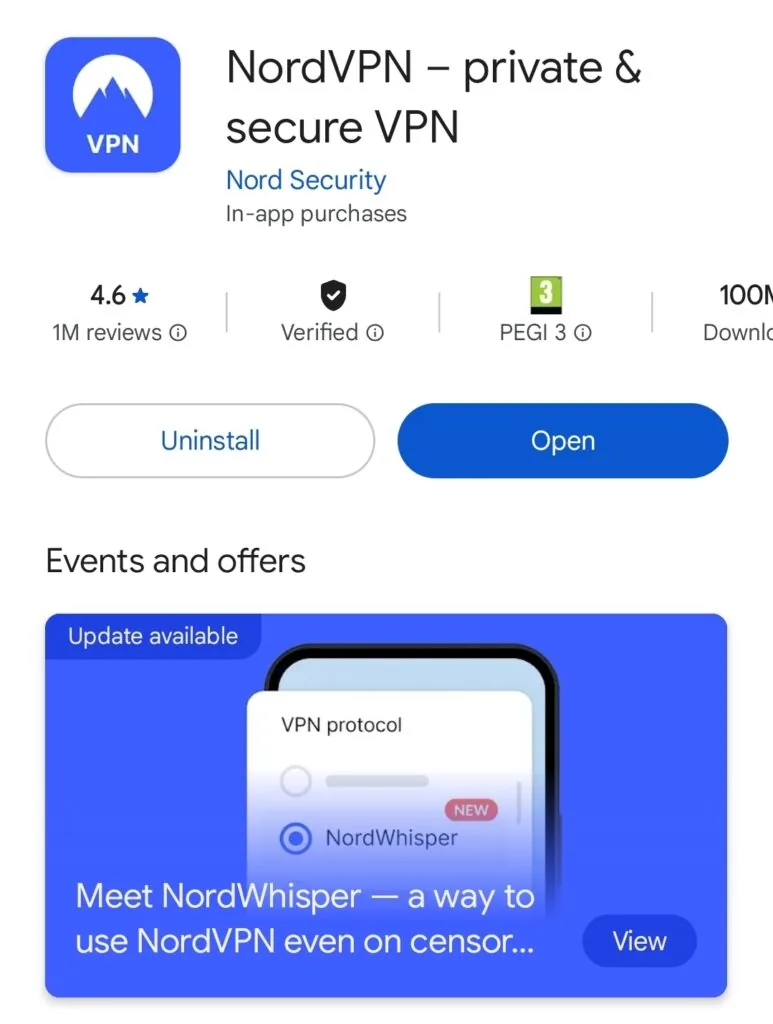
Download the official VPN app for your platform (desktop from the provider’s site; mobile from the App Store or Google Play). Install it, sign in, and enable the kill switch so your connection doesn’t leak if the VPN drops.
Step 3. Connect to a server in the US
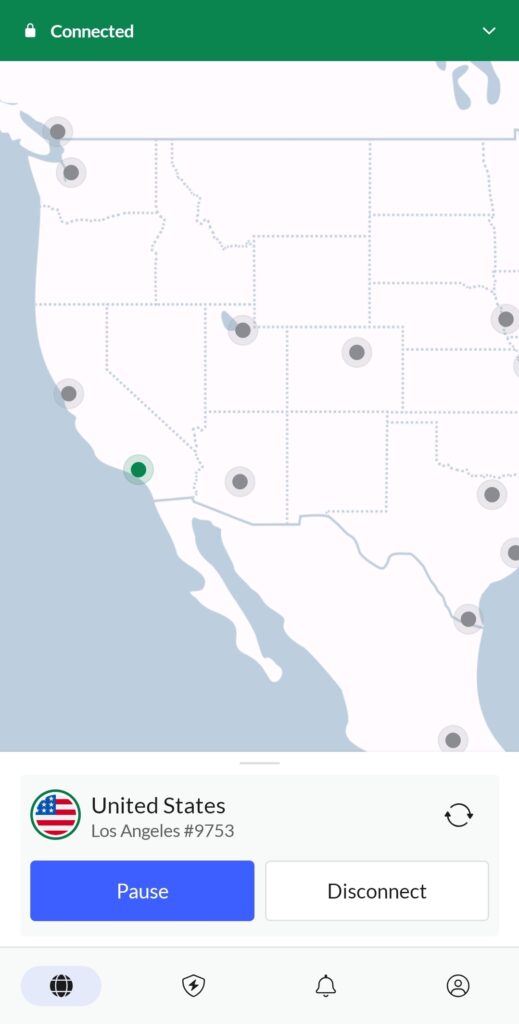
Open the VPN and connect to a server in the United States (for example, Los Angeles or New York).
Tested and verified: using NordVPN and a Los Angeles server, I unlocked Grok AI’s video generation inside the app during the promo window.
Step 4. Open Grok AI and sign in
Launch the Grok app (iOS/Android) or go to grok.com, then sign in with your X account. If you’re using the browser, clear cookies and cache first to avoid location conflicts, or use a fresh incognito window.
Step 5. Create your first video in Imagine
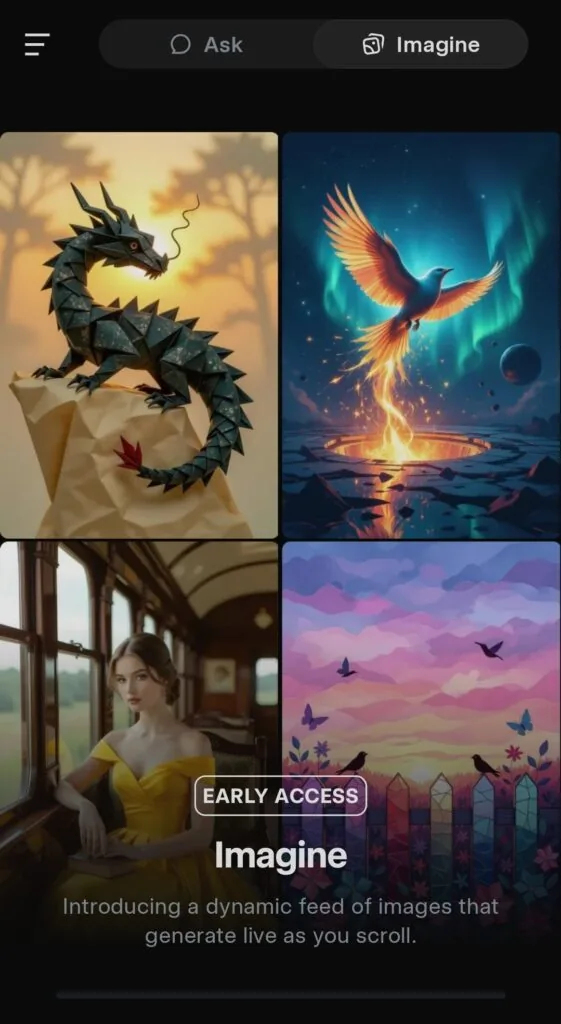
In the app, go to Chat → Imagine. Enter a clear prompt (subject, style, motion) or upload an image to use as a starting point. Tap Make video, choose a mode (availability may vary), set length and aspect ratio, generate, then preview and download.
Step 6. If Grok AI still shows restrictions, try this
Switch to another US server, refresh the page/app, clear cache, disable device location services, or update the Grok app. If issues persist, reconnect the VPN and repeat Step 4.
Best VPNs to access Grok AI free features from outside the US
If you want to unlock Grok AI’s free video generator from outside the United States, not every VPN will work reliably. You need the best VPN provider with consistently fast US servers, strong encryption, and the ability to bypass regional restrictions without triggering errors. Based on my tests, these are the VPNs that delivered the best results for accessing Grok AI’s US-only features during the current promotion.
- NordVPN: the best overall VPN for Grok AI, offering fast US servers, strong privacy features, and reliable geo-unblocking.
- Surfshark: an affordable VPN with unlimited device connections and good US server coverage.
- Proton VPN: a privacy-focused service with a trustworthy free tier to test Grok AI access before upgrading.
All three work well, but NordVPN consistently provided the best performance and most stable access during my tests.

NordVPN: my top recommendation for Grok AI access
NordVPN offers 10 simultaneous connections, dedicated apps for all major platforms, and thousands of servers in 165 locations. It’s a five-times audited no-logs service with advanced features like Double VPN, obfuscated servers, and NordLynx for top speeds. With Threat Protection Pro to block trackers, ads, and malicious links, NordVPN ensures smooth, private access to Grok AI free video generator from anywhere.
Real test results: accessing Grok AI’s free video generator from abroad
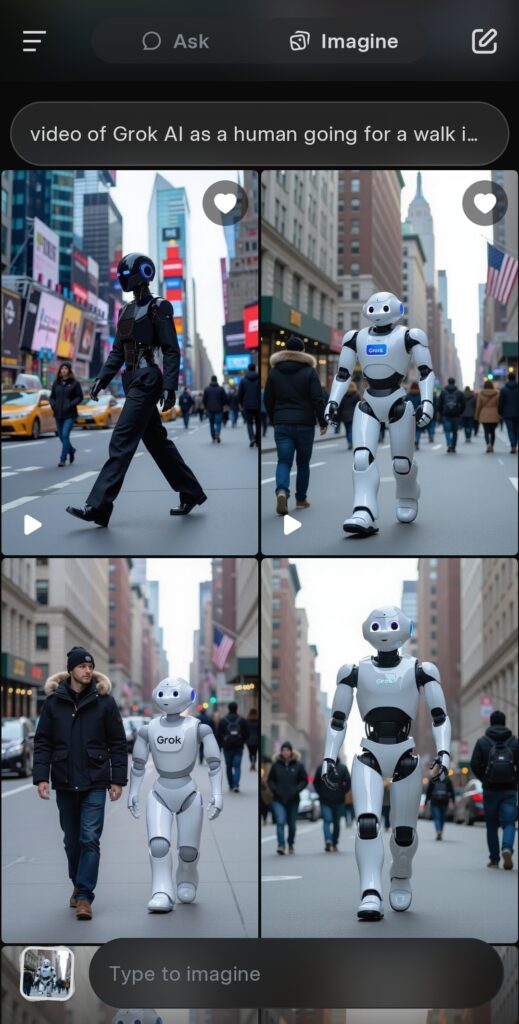
To ensure this method works, I tested Grok AI’s free video generator from outside the US. Using NordVPN connected to a Los Angeles server, I downloaded the Grok app, signed in with my X account, and instantly saw the video generation option unlocked. I generated several videos using the Imagine tool, including different styles and motions, and all rendered smoothly without any location errors. This confirms that connecting to a fast US server via VPN allows you to fully access Grok AI’s premium video generator during the promotion period.
Final thoughts: try Grok AI free video generator from anywhere
Grok AI video generator is normally a premium-only feature, but for a limited time, it’s free for US users. By connecting to a US server with a VPN, you can access it instantly from Canada, the UK, the EU, Australia, or anywhere else in the world.
My testing shows NordVPN as the most reliable option for unlocking Grok AI free features with fast speeds and strong privacy protection.
Related articles:
How to access Sora 2 AI from anywhere
FAQ
Yes, Grok AI can be accessed in many countries, including the UK, EU, Canada, and Australia. However, the current free video generator promotion is only available to users with a US IP address, meaning you’ll need a VPN to unlock it from abroad.
Yes, by connecting to a US server through a VPN, you can change your IP address and make Grok AI think you’re in the United States. This bypasses the location restriction and unlocks the free video generator during the promotional period.
In most countries, using a VPN is completely legal for privacy and security. However, you should always follow your local laws and Grok AI’s terms of service. VPNs are commonly used to protect personal data and access region-restricted features.
NordVPN is the best choice for Grok AI because it offers thousands of fast US servers, strong security features, and reliable geo-unblocking. In my tests, NordVPN consistently unlocked the free video generator and delivered smooth video creation without buffering or location errors.
Free VPNs are often too slow for video generation and have limited server options. Some may also log your activity or display ads. For reliable performance and privacy, a premium service like NordVPN, Surfshark, or Proton VPN is strongly recommended.

